
A repeating event — a weekly class, a monthly workshop — is one event with many sessions. You set it up once and Shonly puts every date on the calendar.
Go to Events and tap Create event. On a phone, Events is under More.
Under Details, give it a name and a length, and pick who runs it.
Under Schedule and place, choose Repeats, then every how many weeks or months and on which days. Set Starts on, the time, and when it Ends — never, or on a date. Pick the place.
Under Price and attendance, set the spots and the price, and whether people book or just drop in.
Check Review — it shows how many sessions it makes and the first dates — and tap Create event.
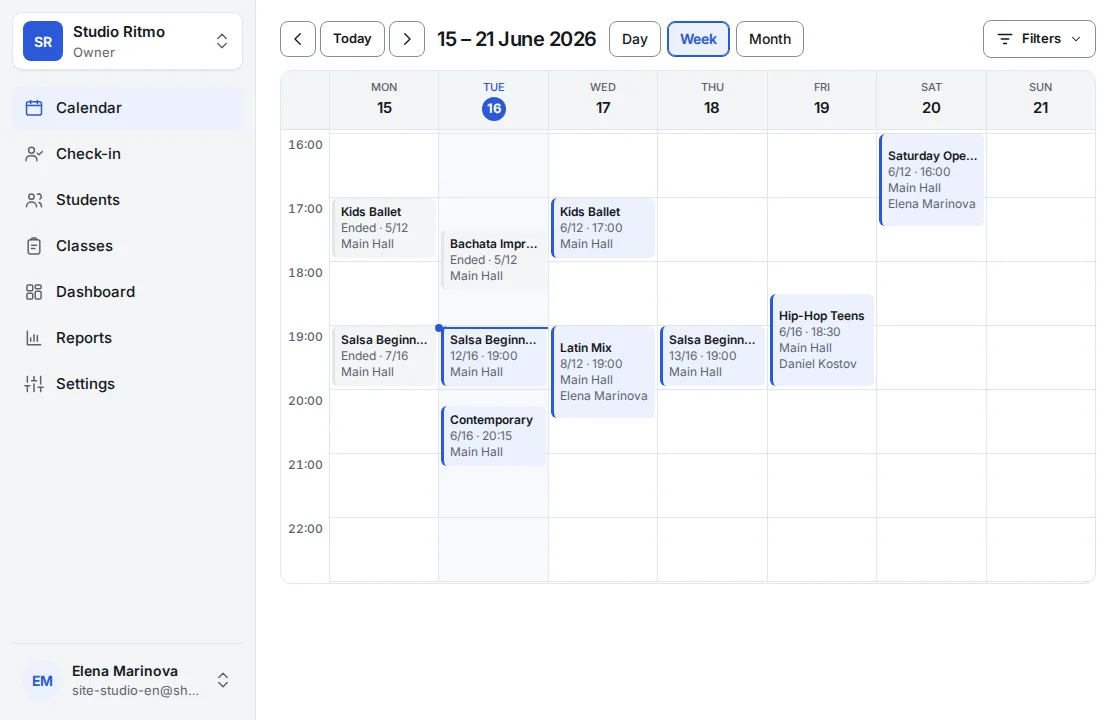
Editing the event later changes the upcoming dates nobody has booked or changed; to change one date, open that session and edit it there.
Shonly’s own words are used here. Your business may have renamed them — a class, a member, a coach — and the steps stay the same.
Related
Still stuck?
Email us — we answer in English and Bulgarian.