
You can book someone from the session they’re coming to, or from their own page.
Open the session from the Calendar and tap Add booking.
Search for the person by name, email or phone. Someone new? Tap Add “…” as a new client, with their name.
If the event takes payment when booking, pick how they paid — cash, card or transfer — or leave it at Not yet. Otherwise the form says Paid at check-in.
Tap Book, followed by their name.
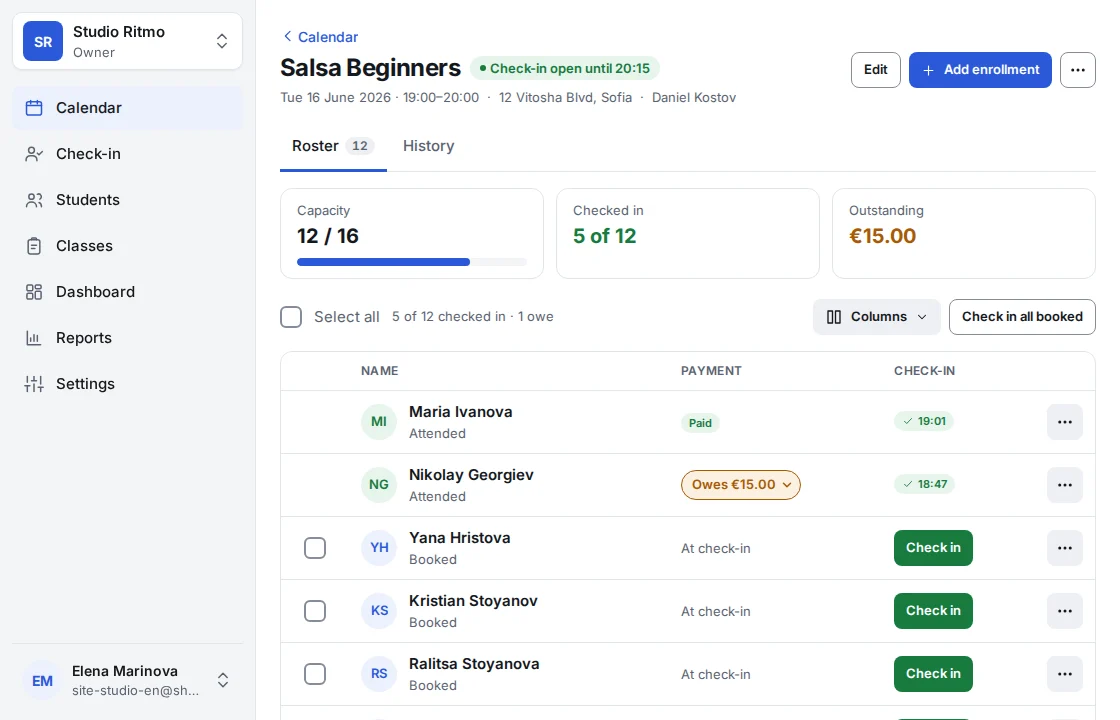
From a client’s own page, tap Book an event, pick the date, and the same form opens with them already filled in.
When a session is full, Shonly says so and offers to raise the number of spots.
Shonly’s own words are used here. Your business may have renamed them — a class, a member, a coach — and the steps stay the same.
Related
Still stuck?
Email us — we answer in English and Bulgarian.