
Shonly keeps every client’s balance, so you can see who owes money without adding anything up.
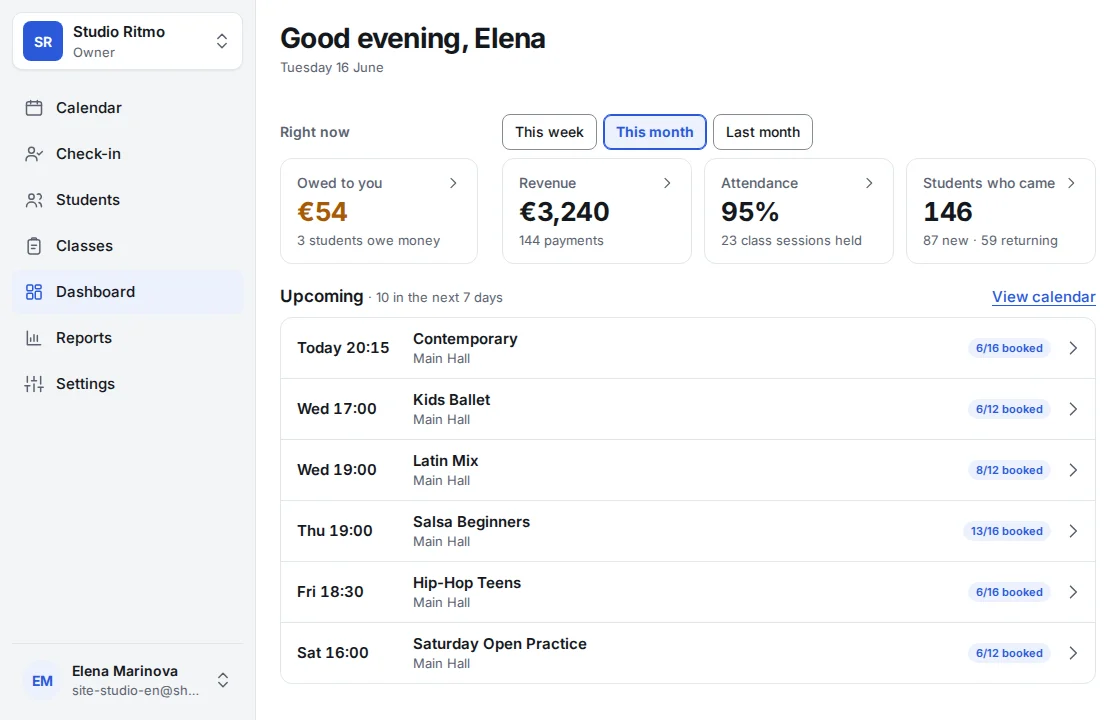
Open the Dashboard. Owed to you shows how much is owed and by how many clients.
Tap it: Clients opens with only the people who owe, the biggest debt first.
Tap a client to see what they owe for, under Payments.
In Clients you can do the same by hand: Filters → Owes money, and sort by Owes most. The Balance column says Settled for those who owe nothing.
On a session, Outstanding shows what’s still owed for that date. Balances are for the owner and admins; a staff member sees them only if they’ve been given See balances.
Shonly’s own words are used here. Your business may have renamed them — a class, a member, a coach — and the steps stay the same.
Related
Still stuck?
Email us — we answer in English and Bulgarian.